General
Scripts
Other
Farm Builders
Building farms can be tedious and repetitive, which is where the Farm Builders script section comes in. These scripts use a variety of tools to help you quickly create a selected farm design.
Usage
When you start the script, it will notify you if any required tools are missing, most of which can be purchased from Anita, The Redstone Engineer, etc. The script retrieves blocks from the Bazaar or, if necessary, from the Builder via your Abiphone. If the Builder isn't already added as a contact, the script will not function properly.
At the start, you'll set the farm's boundaries, rotating the layout and adjusting the base coordinates as needed. Once you're satisfied with the setup, hold the Enter key to confirm and begin the farm-building process.
Starting Environment (Garden)
For most designs, you'll need a completely empty plot down to bedrock. Exceptions include Mushroom and S-Shape Wart/Crops farms, which are only 1–3 blocks tall.
You can clear the plot manually, or set it to Superflat and use the Builder's Ruler. Save this plot as a preset named "Empty" - the script will recognize it and avoid overwriting it later. Ensure that your bounds are placed directly on the floor, not floating.
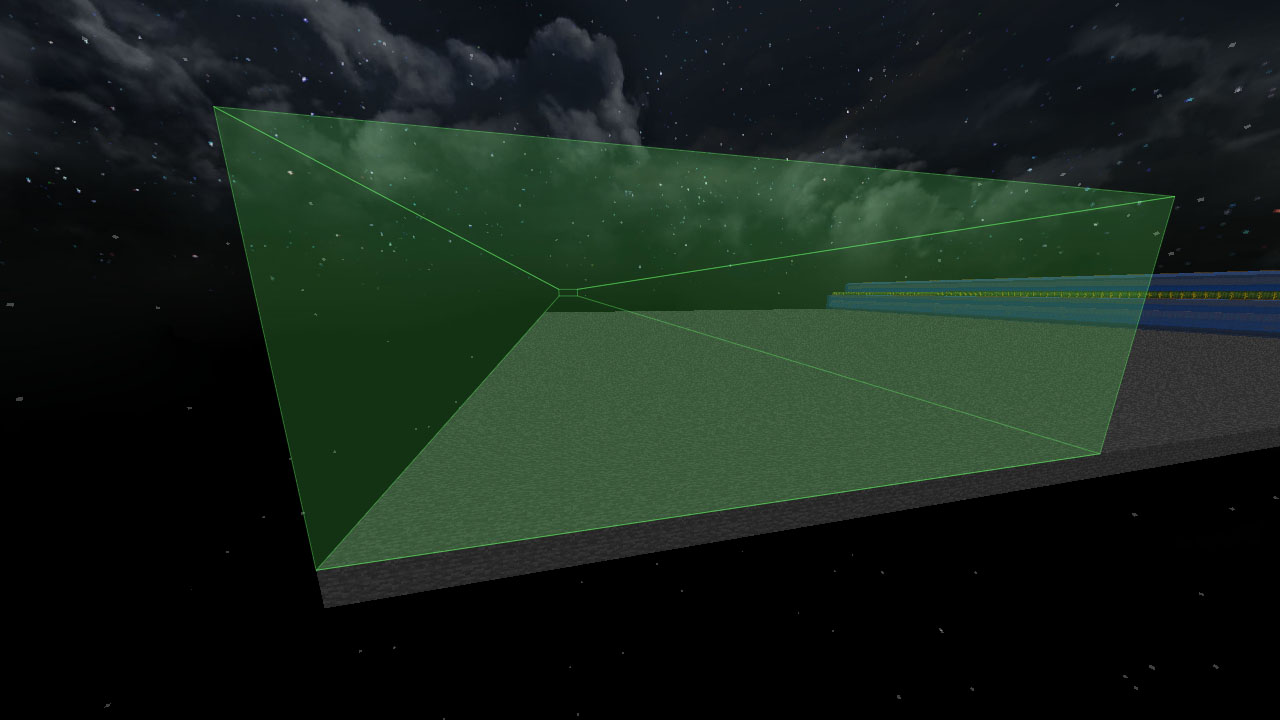
The first and second plots must be completely clear (since they form the base layer), but plots 3–5 only need enough space for pasting later during the build process.
Some smaller designs, like Classical Mushroom or S-Shape farms, don't require digging to bedrock. In these cases, you can simply use a Superflat preset - but remember to remove the wall borders of the plot.
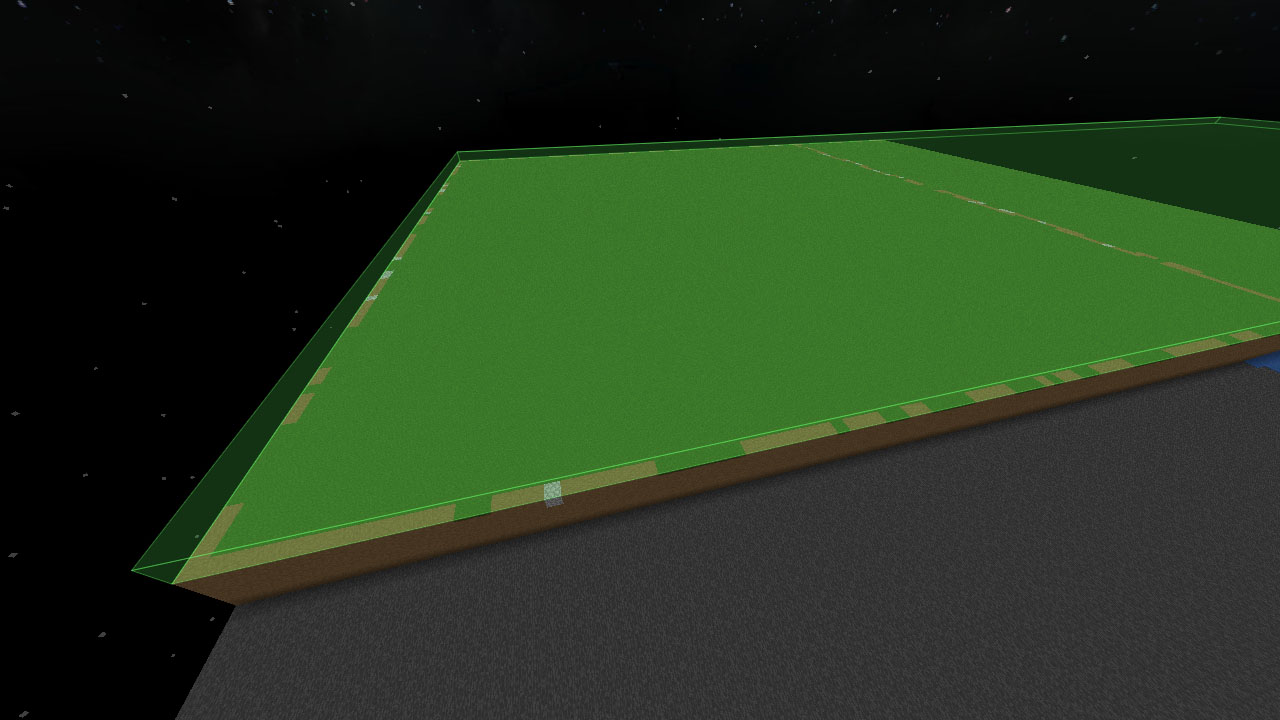
Starting Environment (Island)
Island builders work slightly differently, as they're often floating and don't require a solid floor. These designs use a single blue block as a reference point for alignment. Make sure the rest of the area remains clear for the builder to operate.

FAQ
Prismapump doesn't finish
This is a known server issue. You may need to manually complete any unfinished lanes after the script runs.
What are the yellow bounds?
If the preview bounding box has any yellow bounds, that means that the script must be able to stand there at some point, which means that whilst that area won't be filled in the final build, it must be free (air) for the script to travel into.
How to increase speed?
The speed of the builder mostly depends on ping - there's nothing you can do about this.
How to do multiple builds in one plot?
If you use an autobuilder on a plot, then another in the same plot, it'll break the first farm due to the script copying the 1st plot with the row endings, etc, to all the other plots when building the second one. The best way to use multiple autobuilders in the same plot is to use them until they get to the plot copy and pasting stage. Then copy and paste the rest yourself. This way, the autobuilder will still do like >90% of the work for you.
Bounds "Crossing Plots" error
The builders will build a row of plots (e.g. 1x5). This error will come up when your bounds are slipping into an adjacent plot, which would break plot copying and pasting.