General
Scripts
Other
Farming
In most cases, once you've set a rewarp point, starting farming scripts is as simple as clicking "start."
Rewarping
Rewarping allows the script to remember the end of your farm. Once it reaches this point, the script will stop, execute /warp garden, and return to the spawn point, which should be the beginning of your farm.
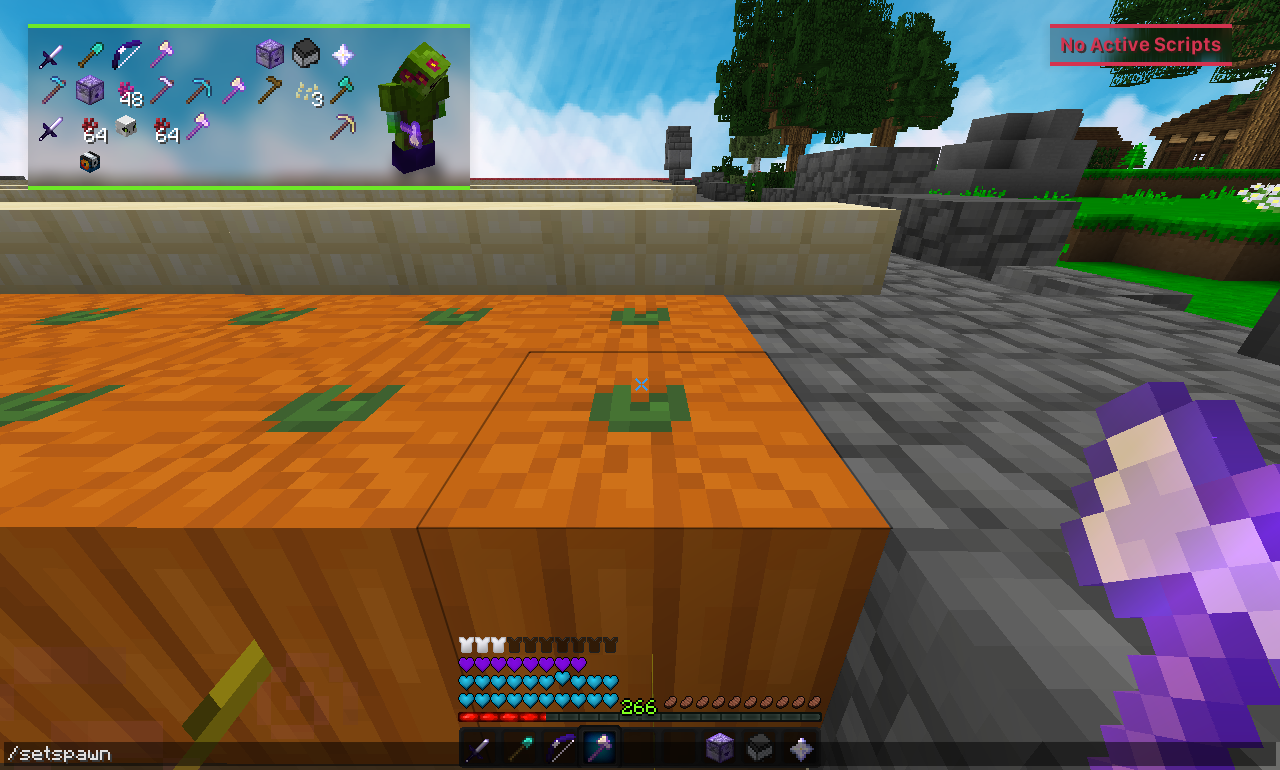
- Go to the start of your farm, and do /setspawn.
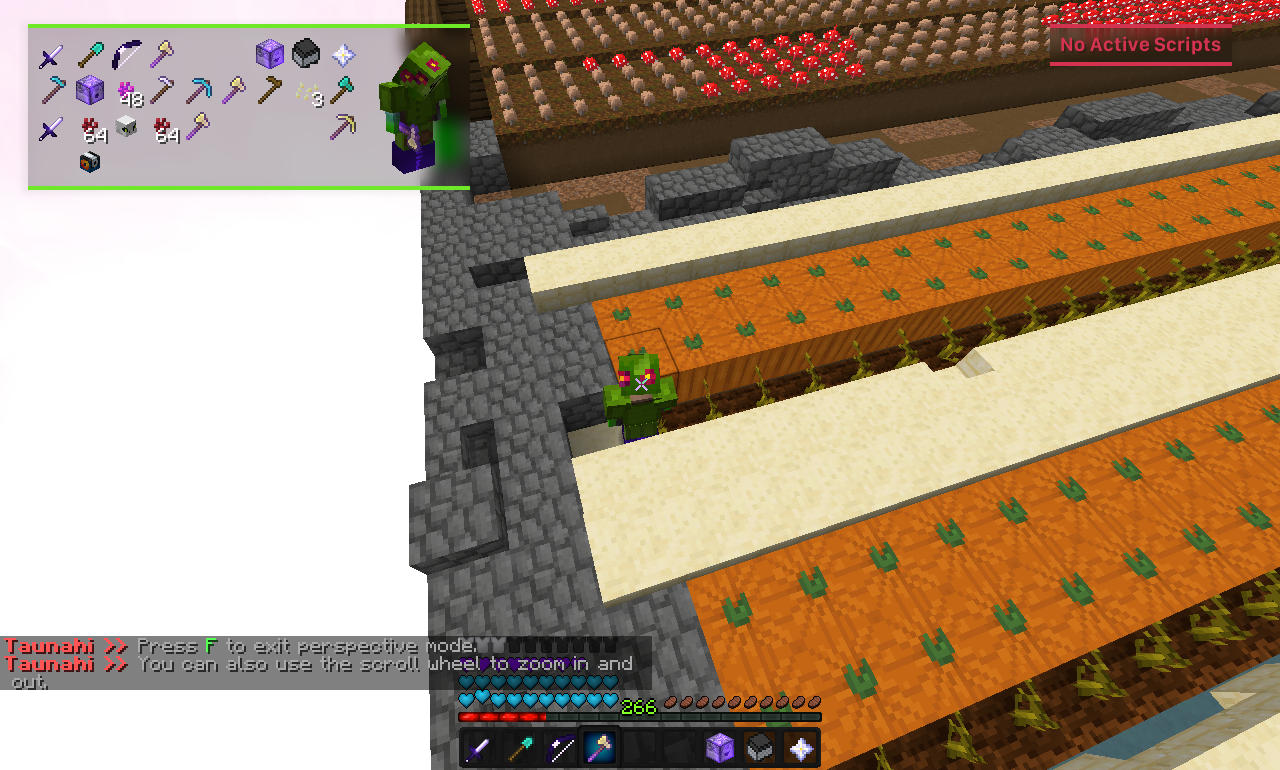
- Go to the end of your farm.
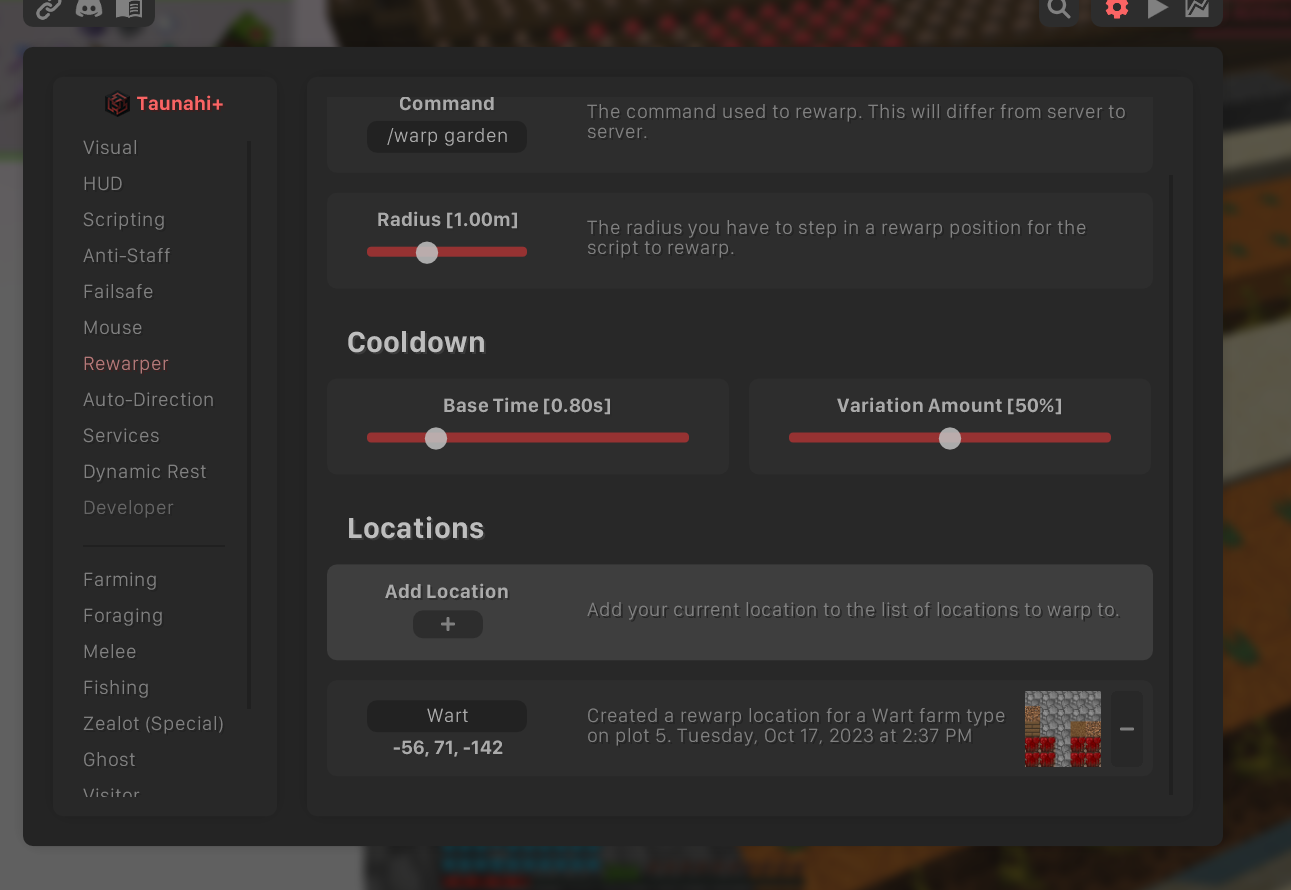
- Navigate to /taunahi -> Rewarper, click the + symbol to add your current location as a rewarp point, and rename it if desired.
Auto-Direction
Auto-Direction automatically adjusts your yaw and pitch to align with the optimal direction for your farm design. By default, Taunahi should be able to determine this for you without configuration.
If it doesn't, go to /taunahi -> Auto-Direction and click + to add a custom configuration for a specific script. You should never need to disable Humanize Rotations, as it improves safety. Disabling it may reduce the script's security.
Movement Direction
In most farming scripts (e.g., S-Shape or Vertical designs), there is no setting to manually adjust your starting direction. Taunahi automatically determines this to optimize movement between rows and to support certain Hydra functionality.
If the script is not moving in the correct direction, follow these troubleshooting steps:
- Ensure your farm is built correctly, without missing blocks or obstacles like stray melons. The most common issue is row endings are not consistent or have holes.
- Make sure you have a rewarp point at the end of your farm.
- If your farm has complex row endings, such as variations in Y elevation, enable Allow Irregular Corners. This simplifies corner detection but may reduce the accuracy of the Auto-Direction feature.
- If issues persist, create a ticket on Discord and share a screenshot or clip of your farm for further assistance.
FAQ
Invalid Spawn
Sometimes you may receive a false Hydra message stating your spawn is invalid. To fix this, resync your spawn point with Taunahi by redoing /setspawn. If this doesn't resolve the issue, you might be experiencing a mod conflict.
Farming Interruptions
False Hydra messages about Farming Interruptions occur when the script can't proceed as expected, often due to user error. The most common cause is an issue with Movement Direction, explained in the section above.
Unable to hit/move
If the script looks at crops but doesn't break them, you may need a mod that extends crop hitboxes. Installing Patcher is recommended, as it includes useful features and performance enhancements.
If the script is unable to move, a mod conflict is likely. For example, SkyHanni has a feature called Custom Keybinds that can interfere with Taunahi's ability to hold down keys. Disable this feature to resolve the conflict.